REVIEW · LOS ANGELES
Hollywood Fame & Celebrity Homes Self-Guided Audio Bundle Tour
Book on Viator →Operated by Drive with Action · Bookable on Viator
Hollywood celebrity homes, minus the tour-group herd. This self-guided Los Angeles driving tour uses an offline map and location-triggered audio narration so you can explore at your own tempo. I like that you can drive the route in your own order, instead of waiting around for everyone else.
The one real catch to plan for is visibility. Many homes are set back behind gates, walls, and landscaping, so you may end up seeing more curbside reality than movie-magic. Also, you’ll want to get the app set up before you start driving, since several parts depend on your phone working smoothly.
In This Review
- Key Things You’ll Notice Right Away
- Hollywood Celebrity Homes, the DIY Way
- Price That Makes Sense for a Carload
- How the Offline Audio Tour Works (And What You Must Download)
- Audio in the car: easiest setup
- Your Route: From Sunset Blvd to Hollywood Sign Views
- Stop flow: Hollywood Boulevard and the celebrity-home sweep
- The Michael Jackson Mansion Segment
- Hollywood Hills and the Reality Check on What You Can See
- Ending at the Hollywood Sign: Photo Ops with City Views
- Driving Tips So the App Doesn’t Become a Chore
- Keep your phone workflow simple
- If you get lost, don’t panic
- Who Should Book This Self-Guided Hollywood Tour
- Should You Book This Hollywood Celebrity Homes Audio Tour?
- FAQ
- How long does the Hollywood Fame and Celebrity Homes tour take?
- How far do I drive on this tour?
- Is this a guided tour or truly self-guided?
- Does it work offline?
- Where does the tour start and where does it end?
- Is the price per person?
- Can I pause, skip, or start again later?
- What language is the tour offered in?
- Do I need to connect my phone to the car audio?
- What’s the cancellation policy if I change my plans?
Key Things You’ll Notice Right Away

- Offline map that actually matters in LA: no cellular needed once you download
- Hands-free audio tied to your location: stories play as you drive the route
- A long route with lots of stories: over 27 miles and 40+ audio stops
- Most homes are view-limited: gates and trees are part of the deal, not a bug
- Easy-to-follow starting flow: you jump in at the first story point and follow cues
- Best value if you share a car: the price is per group, up to 4
Hollywood Celebrity Homes, the DIY Way
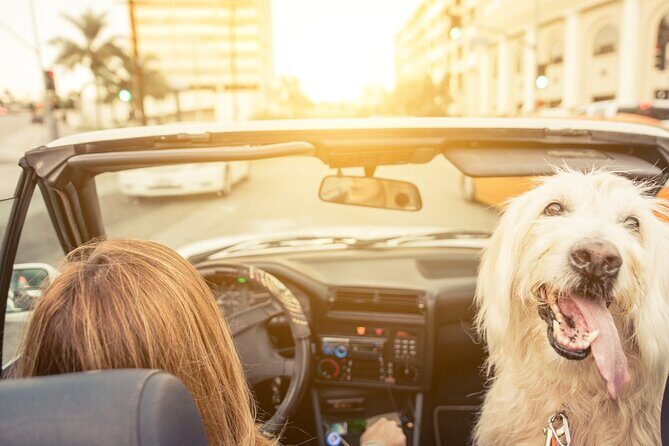
If you’re coming to Los Angeles and want more than just the usual postcard stops, this kind of tour is a smart move. You’re driving past famous names and key streets, with audio that adds context as you go—so the scenery turns into a story you can actually follow.
The big appeal is control. You can stop for photos, pull over to read a sign, and skip anything that doesn’t grab you. That also means you don’t have to time your day around a bus schedule or a group pace.
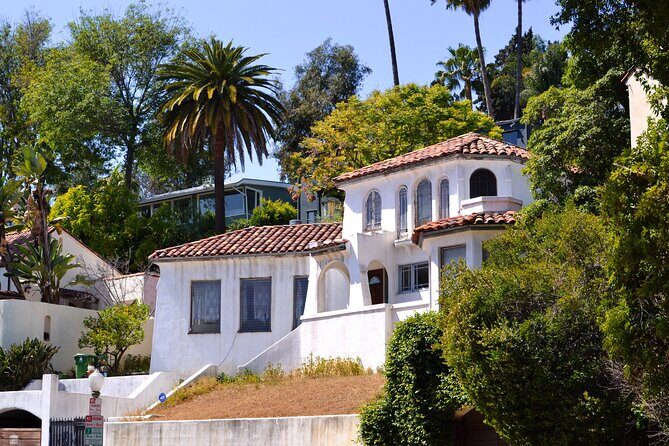
Just remember what “celebrity homes” means in LA: you’re not sightseeing through open living rooms. You’re seeing public-facing parts of private properties. Sometimes that’s a dramatic mansion view; sometimes it’s a gate and greenery. Either way, the audio layer is what makes the long drive feel worth it.
You can also read our reviews of more guided tours in Los Angeles



Price That Makes Sense for a Carload
The tour costs $16.99 per group (up to 4 people). That pricing is the whole point: if you’re traveling with family or friends, it can work out far cheaper than a guided tour where you’re paying per person.
Also, because it’s self-guided, you’re paying mostly for three things:
- the offline route and map
- the audio stories (40+ along a long loop)
- the app that links it all together
So if you like freedom and you’re comfortable driving LA, the value can be great. If you’re hoping for a guide who will pull over and “show you everything,” you may feel a guided tour would be more efficient.
How the Offline Audio Tour Works (And What You Must Download)
This tour is built around a phone app called Action’s Tour Guide App. After booking, you receive an email/text with instructions and a password (you’ll see a reference to audio tour in those messages). Then you download the separate tour content.
Here’s the key practical rule: download while you’re on strong Wi‑Fi or cellular. The tour is designed to work offline afterward, but you do need that initial download.
Once you’re onsite, you’ll:
- Open the Action’s Tour Guide App.
- Launch the tour version that matches your planned starting point/direction (if you see more than one).
- Enter the password from your email/text.
- Start at the first story point at the meeting address, then follow the audio cues.
The audio is hands-free in the sense that stories play automatically based on your location. There are no people directing you at the curb, so your workflow is more like: drive → listen → glance at the map when you need to → keep going.
One review mentioned the app download felt large (about 156MB). That’s not a dealbreaker, but it’s smart to have time and Wi‑Fi before you leave your hotel.
Audio in the car: easiest setup
You can connect your phone to your car stereo using Bluetooth, USB, or AUX. If you’re going on foot at any point, headphones can help keep audio clear. The provider also notes audio playback works with Apple CarPlay, and Android Auto support is on the way.
Your Route: From Sunset Blvd to Hollywood Sign Views
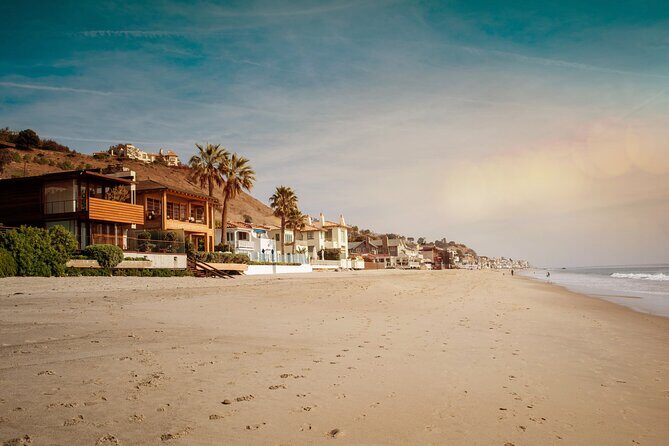
The tour starts at 7138 Sunset Blvd, Los Angeles, CA 90046 and ends at the Hollywood Sign area (Los Angeles, CA 90068). The full drive is listed as over 27 miles, with more than 40 audio stories.
Timing can vary. The tour is described as 2 to 3 hours (approx.), but the note says completion can take about 3–4 hours. That makes sense in LA: even if the route is straightforward, you’ll likely want moments to look, park, and photograph.
You can also read our reviews of more tours and experiences in Los Angeles





Stop flow: Hollywood Boulevard and the celebrity-home sweep
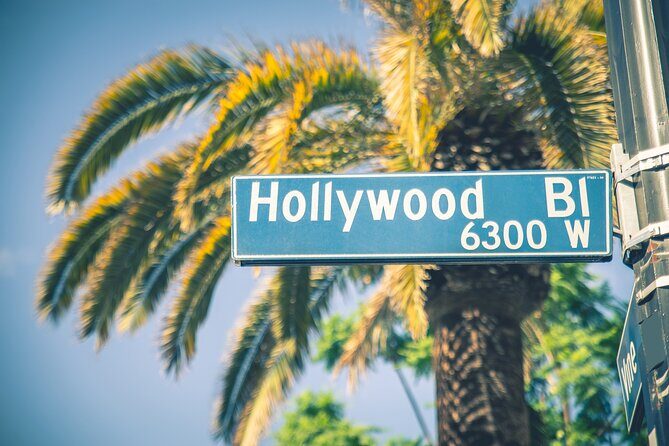
The first major story area is Hollywood Boulevard. From there, the route is designed to carry you through the areas people picture when they think of Hollywood:
- Sunset Strip → Bel Air
- Rodeo Drive / high-end Beverly Hills streets
- Hollywood Hills neighborhoods with star-studded vibes
Along the way, the audio provides background on the homes and the famous people connected to them. This is where the tour can feel most fun: you drive by familiar streets and suddenly they come with a “why this matters” explanation.
A practical thought: LA driving is stop-and-go by nature. Since the app uses your location for audio triggers, expect the tour to work best when you follow the suggested path and don’t constantly zig-zag away from the route.
The Michael Jackson Mansion Segment
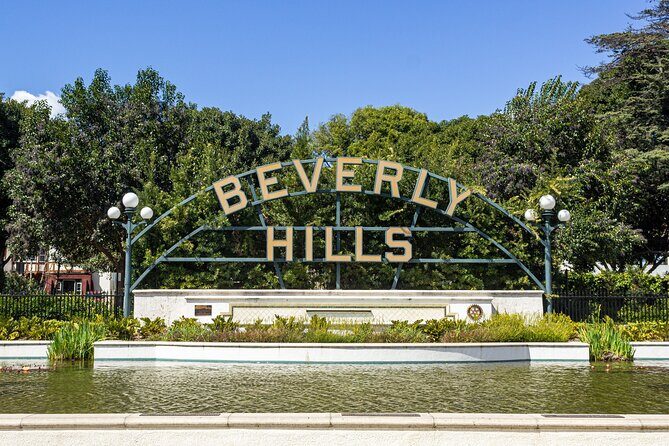
One of the tour’s headline stories is at a huge white mansion tied to Michael Jackson, where he spent the final years of his life. The narration frames him as one of the most famous people on the planet, and you’ll also hear about the controversies that surrounded him.
Why this stop works well inside a self-guided route:
- It’s a “story stop,” not just a location.
- The emotional weight of the topic makes the drive more memorable.
- Because it’s audio-led, you can focus on the context without needing to hunt for a specific viewpoint.
Also, don’t assume you’ll see everything clearly. In LA, a famous home can still be largely hidden by gates, walls, and vegetation. That’s normal here. Treat it like an audio-driven interpretation of the street scene, not a guaranteed full view.
Hollywood Hills and the Reality Check on What You Can See
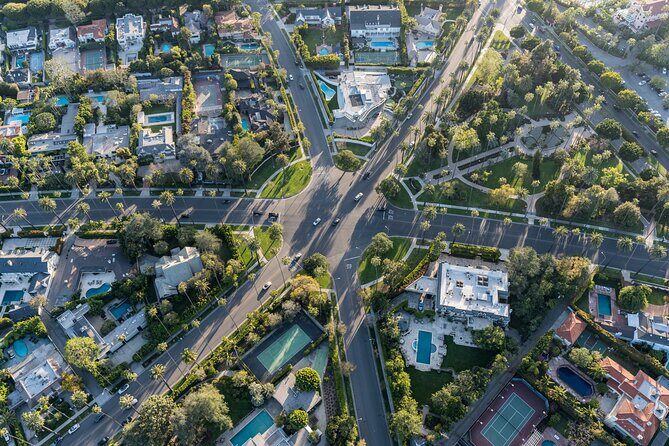
A few reviews pointed out a key truth: some homes are hard to find, and many are behind gates or obscured by trees. That can be frustrating if you expect a clear view from the street.
You might experience issues like:
- arriving at an address but seeing mostly landscaping or a wall
- struggling to locate a specific home because the viewpoint is limited
- audio describing something that doesn’t look obvious right away from where you’re standing
There are also practical street realities. One review said street signs were hard to spot due to branches. That matters because this tour is partially “follow the cues,” and if you miss signage, you’ll lose momentum.
My advice: don’t overthink the first ten minutes. Get the app stable, confirm your starting direction, and then give yourself flexibility. If a house view is blocked, you can still get value from the audio story and the drive through the surrounding neighborhood.
Ending at the Hollywood Sign: Photo Ops with City Views
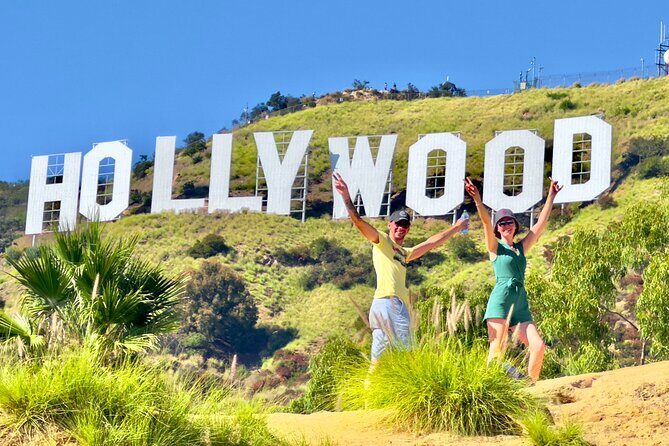
The last part of the tour is the Hollywood Sign. The audio adds little-known history about the sign, and you’ll also get the payoff that makes this whole idea feel like a classic LA day: sweeping views over the city and a solid photo moment to finish.
This end point is smart for a self-guided tour because it’s visually obvious once you’re close. Even if you’ve had moments where celebrity homes were hidden from view, the Hollywood Sign gives you a final “yes, I’m here” moment.
Go at a time when you like the light. Dusk can be especially pleasant because the city starts to glow and the neighborhoods look more cinematic. Just keep in mind that parking and traffic around the sign can affect how smoothly your final minutes go.
Driving Tips So the App Doesn’t Become a Chore
This tour is designed to be low-stress while driving, but it’s still a phone-based experience. So here’s how I’d keep it from turning into a distraction.
Keep your phone workflow simple
- If you have a passenger, let them handle map checks and the story list.
- If you’re driving solo, check the map briefly at safe stops, not at intersections.
- Follow the suggested route and speed limit for the best timing of audio cues.
Some reviews said navigation was hard, especially when they needed to flip between map and story views. If you run into that, remember you can still drive the route and let audio continue without constantly interacting.
If you get lost, don’t panic
In a self-guided setup, the quickest fix is to get back to the route rather than trying to solve every turn in real time. One reviewer noted that switching to Google Maps at some points helped, and that’s exactly what I’d do: use your normal navigation to rejoin the guided path, then let the audio take over again.
Who Should Book This Self-Guided Hollywood Tour
This works best if you:
- want freedom (start anytime, pause, and go at your own pace)
- enjoy driving and don’t mind seeing gates and setbacks
- like hearing background context while you pass famous streets
- can download and set up the app before you arrive
It might feel less ideal if you:
- dislike apps and prefer a human guide to handle directions
- need constant reassurance from clear, visible landmarks
- plan to use your phone for navigation and photos at the same time while driving
Also, it’s a strong fit for families and groups of friends sharing one car. Since it’s per group up to 4, the value can jump when you’re splitting the cost.
Should You Book This Hollywood Celebrity Homes Audio Tour?
Book it if you want a cost-effective, flexible way to explore Hollywood-area celebrity neighborhoods with offline audio that turns a long drive into a guided-feeling story.
Think twice if you’re expecting nonstop clear views of famous houses. The tour’s value is in the narration and the route through famous streets, not in getting unobstructed views of everything behind every gate.
If you do book, my best “make it smooth” checklist is simple:
- download the tour content before you start driving
- confirm your phone can connect to your car audio
- plan to rely on a passenger for map fiddling if possible
- expect some stops to be mostly hidden, and treat the audio as the main attraction
Do that, and you’ll end up with a genuinely fun LA road day: a route you control, stories that keep you engaged, and a strong finish at the Hollywood Sign.
FAQ
How long does the Hollywood Fame and Celebrity Homes tour take?
It’s listed at about 2 to 3 hours, but the full loop is noted as taking roughly 3 to 4 hours to complete, depending on how long you pause for photos and views.
How far do I drive on this tour?
The tour route is over 27 miles long.
Is this a guided tour or truly self-guided?
It’s self-guided. No one meets you at the start. You open the app at the starting point, then the audio begins automatically and plays based on your location.
Does it work offline?
The app includes offline maps, and it’s meant to work without cellular or Wi‑Fi after download. You must download the tour content while you have strong Wi‑Fi/cellular first.
Where does the tour start and where does it end?
It starts at 7138 Sunset Blvd, Los Angeles, CA 90046, and ends at the Hollywood Sign area, Los Angeles, CA 90068.
Is the price per person?
No. The price is per group, up to 4 people.
Can I pause, skip, or start again later?
You can start anytime and pause anywhere. You can also skip anything you don’t care about, and the tour is available with lifetime access and no expiry.
What language is the tour offered in?
The tour is offered in English.
Do I need to connect my phone to the car audio?
You’ll use the phone audio and can connect your phone to your car stereo via Bluetooth, USB, or AUX. Headphones may help if you’re walking.
What’s the cancellation policy if I change my plans?
Free cancellation is available up to 24 hours in advance for a full refund. Cancel within 24 hours of the start time and you won’t receive a refund.